Microsoft Fabric is Microsoft’s data and analytics platform. It brings data integration, data engineering, data warehousing, data science, real-time analytics and Power BI together in a single SaaS environment, all reading the same copy of the data in one data lake called OneLake.
If your company already uses Power BI, Microsoft Fabric has probably shown up in your portal, in conversations with IT or at a license renewal. The question we hear most often is practical: what changes, how much it costs and whether it is worth migrating now. This guide answers all three, with official Microsoft pricing and objective decision criteria.
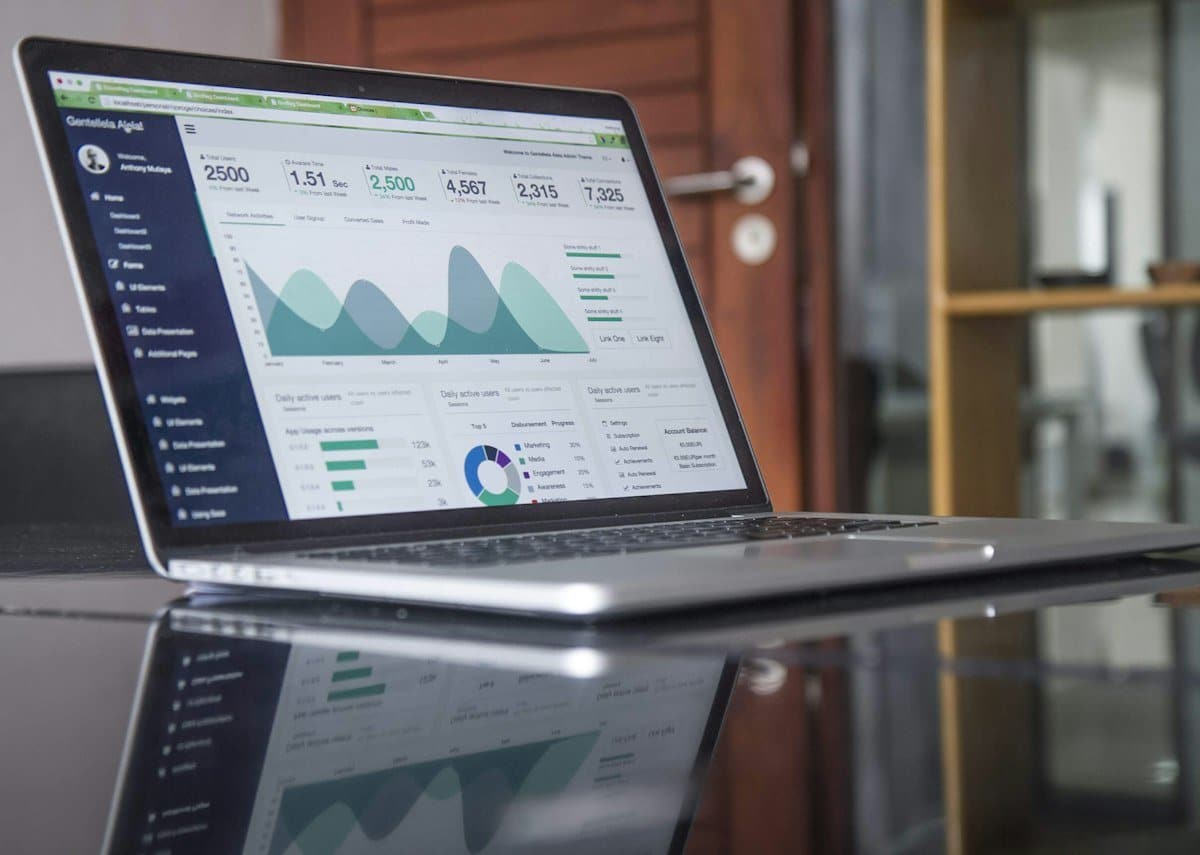
What is Microsoft Fabric?
Microsoft Fabric is a unified analytics platform, delivered as a service (SaaS), that removes the need to assemble and integrate separate tools for each stage of the data lifecycle. Instead of one service for integration, another for the data lake, another for the warehouse and another for BI, everything runs in the same environment, with the same governance and the same billing model.
Its main components (called workloads) are:
- Data Factory: data integration and orchestration (pipelines and dataflows).
- Data Engineering: lakehouses and Spark processing.
- Data Warehouse: a SQL data warehouse.
- Data Science: building and deploying machine learning models.
- Real-Time Intelligence: real-time data ingestion and analysis.
- Power BI: the visualization, reporting and dashboard layer.
- OneLake: the organization’s single data lake, where every workload reads and writes data in an open format (Delta Lake).
The key piece is OneLake. It is provisioned automatically in every Fabric tenant and keeps the company from maintaining several copies of the same data in different tools. According to Microsoft’s documentation, the recommended way to organize data in OneLake is the medallion architecture, with bronze, silver and gold layers.
What is the difference between Microsoft Fabric and Power BI?
Power BI is one part of Microsoft Fabric. Power BI handles visualization and reporting; Fabric adds everything that comes before it: ingestion, storage, transformation, data warehousing and data science.
| Aspect | Power BI (Pro or PPU) | Microsoft Fabric |
|---|---|---|
| Focus | Reports and dashboards | A complete data platform, from pipeline to dashboard |
| Billing model | Per user | Per capacity (F SKU) plus storage |
| Data storage | Power BI semantic models | OneLake (lakehouse and warehouse) |
| Data engineering | Limited (Power Query and dataflows) | Spark, pipelines, notebooks, SQL warehouse |
| Main audience | Analysts and managers | Data, engineering and BI teams |
In practice, companies that use Power BI only to connect to their ERP and build reports can stay on the per-user model. Fabric starts to make sense when the company needs to build and govern the data foundation that feeds those reports.
How much does Microsoft Fabric cost?
Microsoft Fabric is billed by capacity, not per user. You buy a capacity (F SKU), measured in Capacity Units (CUs), that is shared by every workload. OneLake storage is billed separately, per GB.
F SKU capacity pricing
In the East USregion, the official Azure pricing API lists capacity at US$ 0.18 per CU per hour on pay-as-you-go (checked in November 2026). Since each SKU doubles the CUs of the previous one, the estimated monthly cost for a capacity running 24 hours a day (730 hours) looks like this:
| SKU | CUs | Estimated pay-as-you-go per month (East US) |
|---|---|---|
| F2 | 2 | US$ 262.80 |
| F4 | 4 | US$ 525.60 |
| F8 | 8 | US$ 1,051.20 |
| F16 | 16 | US$ 2,102.40 |
| F32 | 32 | US$ 4,204.80 |
| F64 | 64 | US$ 8,409.60 |
Calculation: CUs x US$ 0.18 x 730 hours. Reference values only; always confirm on the official Microsoft Fabric pricing page before budgeting, since prices vary by region and may change.
Three factors weigh on the final cost:
- An annual reservation cuts about 41%. Microsoft states that 1-year or 3-year reservations save roughly 41% compared with pay-as-you-go. It pays off for capacities that stay on most of the month.
- Pay-as-you-go can be paused. On demand, the capacity can be paused outside business hours, which lowers the bill for development environments or concentrated workloads.
- Prices vary by region. East US, West US 2 and Central US share the same rate, while West Europe costs roughly 20% more. Set your region in the Azure pricing calculator before comparing quotes.
Do I still need a Power BI Pro license with Fabric?
Yes, in most cases. According to the Power BI pricing page, anyone who publishes Power BI content needs a Pro license (US$ 14 per user per month, on the annual plan) on any F capacity.
The difference is for people who only view reports:
- Below F64 (F2 to F32): every person who consumes reports still needs a Pro or Premium Per User license.
- From F64 up: users who only view reports can use the free license.
This rule is decisive in the math. For companies with a few dozen users, a small capacity plus Pro licenses is usually cheaper. For hundreds of viewers, F64 can pay off precisely because it removes individual licenses.
Is there a free version of Microsoft Fabric?
Yes, with limits. Microsoft offers a free account and a 60-day trial of Fabric capacity, with no credit card, that lets you test every workload. The trial is great for a proof of concept, but it does not replace a paid capacity in production: once it ends, you need an F SKU to keep your Fabric items running.
When is it worth migrating from Power BI to Microsoft Fabric?
Migration pays off when the company’s bottleneck is not in the report, but in the data that feeds it. The most common scenarios are:
- You use Power BI Premium per capacity (P SKU). Microsoft no longer sells P SKUs, and each subscription ends at the end of its current agreement. According to Microsoft’s migration overview, after expiration there is a 30-day grace period, usage is limited from day 31 and operations are blocked from day 91. Here migration is not optional; it is a matter of calendar.
- Data lives scattered across spreadsheets, ERPs and unconnected databases. Fabric lets you build pipelines, a lakehouse and a warehouse in the same environment as Power BI, under one governance model.
- Reports are slow or hitting size limits. Power BI Pro limits models to 1 GB and 8 refreshes per day. Larger capacities and OneLake handle volumes that Pro cannot.
- There are AI or machine learning plans. Data science and Copilot in Fabric work on the same data as Power BI, with no extra copies.
- Many users only consume reports. Above a few hundred viewers, an F64 can be cheaper than individual Pro licenses.

When NOT to migrate yet
Fabric is not mandatory for Power BI Pro or Premium Per User customers: Microsoft confirms that these per-user licenses are not affected by the retirement of P SKUs. Migrating makes little sense when:
- the company has few users and few data sources;
- current reports work well and there is no volume bottleneck;
- there is no team (in-house or partner) to govern a full data platform.
In these cases, buying a Fabric capacity without a defined architecture tends to create cost without return. The money goes to a capacity that is switched on, not to better decisions.
How do you plan a migration to Microsoft Fabric?
A safe migration follows four steps, in this order:
- Assessment: map data sources, reports in use, number of creators and viewers, and model sizes. This inventory defines the right SKU.
- Proof of concept on the trial: use the free 60 days to migrate one business domain and measure real CU consumption.
- Architecture: design the lakehouse with bronze, silver and gold layers, and define workspaces per layer and access rules.
- Gradual migration and monitoring: move workspaces by priority, track capacity consumption and adjust the SKU (up or down) before committing to an annual reservation.
The most expensive mistake we see is the reverse: buying capacity first and only then figuring out what to run on it.
Frequently asked questions about Microsoft Fabric
What is Microsoft Fabric in a few words?
It is Microsoft’s data platform that combines integration, data engineering, data warehousing, data science, real-time analytics and Power BI in a single environment, with a central data lake called OneLake.
Does Microsoft Fabric replace Power BI?
No. Power BI still exists and becomes one of Fabric’s workloads. Power BI Pro and Premium Per User licenses remain valid.
What is the smallest paid Microsoft Fabric plan?
F2, with 2 Capacity Units. In East US it costs about US$ 262.80 per month on pay-as-you-go if it runs all month, plus OneLake storage.
Does Microsoft Fabric have a free version?
There is a free account and a 60-day capacity trial to test the workloads. For production use, you need an F SKU capacity.
Do Power BI Premium P1 customers need to migrate?
Yes. Microsoft no longer sells P SKUs, and subscriptions end at the end of the current agreement. The equivalent capacity to P1 is F64.
Migrate with an assessment, not in a hurry
Microsoft Fabric can greatly simplify a company’s data operations, but it only delivers a return when the capacity you buy matches real usage and there is a data architecture behind it. Before signing for an F SKU, know exactly how many users, which data and which workloads will run on it.
beAnalytic supports mid-size and large companies through the whole cycle, from capacity sizing to building the lakehouse and the reports, with a team specialized in Power BI and Microsoft Fabric consulting. The first step is the Data Maturity Assessment: book beAnalytic’s Data Maturity Assessment and find out whether Fabric is the right next step for your company.

Daniel Luz
CEO of beAnalytic. I have led the company for more than 6 years, and my mission is to transform how organizations see and use data to make strategic decisions. I help companies unlock valuable insights, drive operational efficiency and generate real financial impact, with a team specialized in Business Intelligence, Data Engineering and Machine Learning.
- Daniel Luz


- Daniel Luz

- Daniel Luz

- Daniel Luz